
Transforming your digital snapshots into a tangible photo album on your computer has become an increasingly popular way to celebrate life's special moments. Gone are the days of fumbling with sticky pages and corner mounts; modern software solutions allow you to craft stunning, professional-quality albums without leaving your desk. With a wealth of options available, from bespoke wedding photo books to charming baby milestone collections, the process is both creative and straightforward. Whether you're documenting a family holiday, a milestone birthday, or simply curating your favourite images from the past year, designing a photo album digitally offers flexibility, quality, and a personal touch that digital galleries simply cannot match.
Selecting the Right Software and Understanding Essential Album Formats
Choosing user-friendly photo album software for your computer
The foundation of any successful photo album project lies in selecting the right software. One of the most widely recommended tools is the CEWE Creator Software, which is available as a free download for Windows, Mac, and Linux systems. This platform simplifies the entire design process, offering an intuitive interface that guides you from initial concept to final order. Once installed, the software allows you to import images from various sources, including your computer, cloud storage services, or even CEWE myPhotos. The flexibility to draw from multiple repositories ensures that you can gather all your cherished moments in one place, making the assembly process remarkably efficient. Beyond CEWE, other providers such as Innocence and my-picture.co.uk also offer their own design platforms, each with unique features and pricing structures. When choosing software, consider factors such as ease of use, the range of customisation options, and compatibility with your operating system. A user-friendly interface is essential, particularly if you are new to digital album creation, as it minimises the learning curve and allows you to focus on the creative aspects of your project.
Understanding landscape, portrait, and panorama layout options
Once you have selected your software, the next step is to decide on the format and orientation of your album. The choice between landscape, portrait, and square layouts significantly influences the visual storytelling of your photo book. Landscape orientation is ideal for wide-angle shots, sweeping vistas, and group photographs where horizontal space enhances the composition. Portrait orientation, on the other hand, works beautifully for individual portraits, tall architectural shots, and images where vertical space is a priority. Square formats offer a balanced, modern aesthetic that suits a variety of photographic styles. Some software also supports panorama layouts, which allow you to stretch a single image or a sequence of images across a double-page spread, creating a dramatic and immersive effect. This feature is particularly effective for capturing the grandeur of landscapes or the energy of large gatherings. When planning your album, consider the types of images you will be using and how they will be displayed. A well-chosen format not only complements your photos but also enhances the overall narrative, guiding the viewer through your visual story with clarity and impact.
Designing your album: cover choices, paper quality, and special finishing effects
Comparing hardback, flat cover, and other album cover styles
The cover of your photo album is the first thing anyone will see, and it sets the tone for the entire product. Hardcover albums offer a classic, durable option that exudes quality and longevity. They are ideal for important occasions such as weddings or milestone celebrations, where the album will be treasured and frequently revisited. Softcover albums, by contrast, provide a lighter, more flexible alternative that is often more affordable while still delivering a polished finish. Beyond these standard options, some providers offer specialised covers such as leather, linen, or booklet styles, each adding a distinct character to your album. Flat covers, which are becoming increasingly popular, provide a sleek, contemporary look with a smooth, seamless surface. When selecting a cover, consider the context in which the album will be used. A hardback cover might be perfect for a formal wedding album, while a softcover could be ideal for a casual holiday compilation. The choice of material also affects the tactile experience of handling the album, so think about how the cover feels in your hands and how it will age over time.
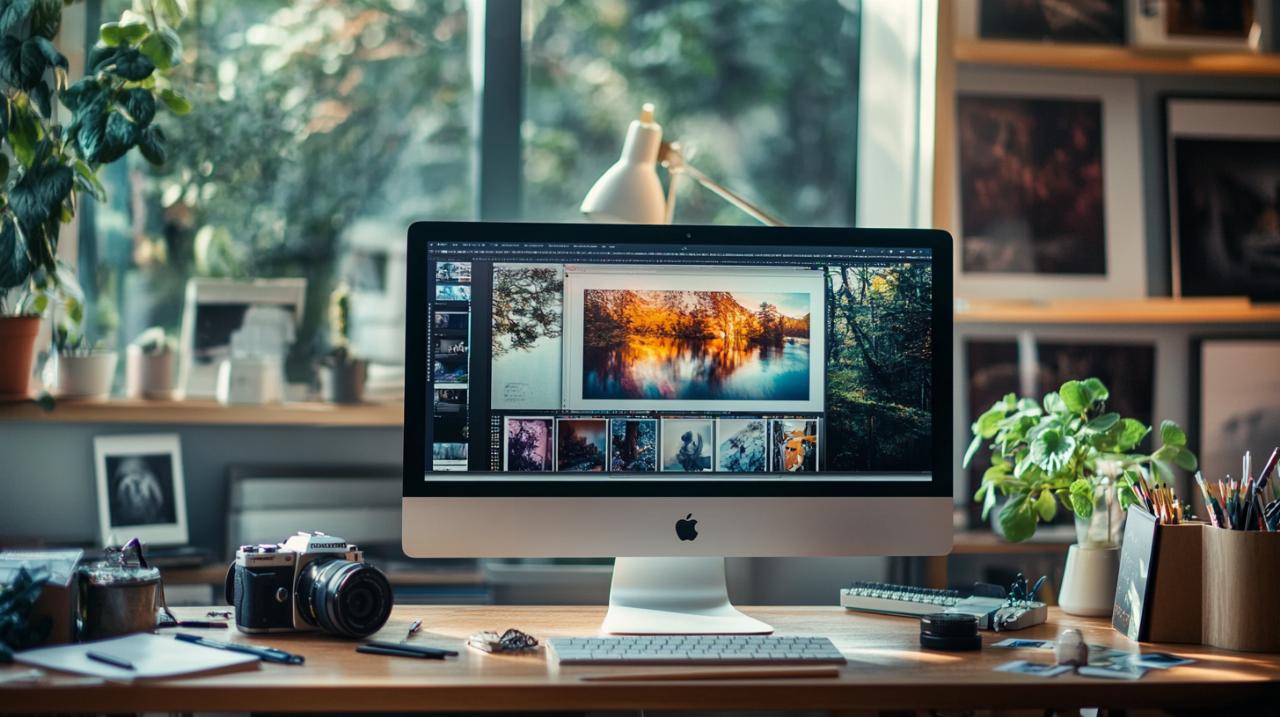
Selecting Paper Types and Adding Relief Finishes for a Premium Look
Paper quality is another critical factor in creating a photo album that looks and feels professional. Most software platforms offer a choice between digital printing on standard paper and photographic paper, which delivers richer colours and finer detail. Photographic paper is generally preferred for albums where image quality is paramount, as it provides a depth and vibrancy that standard paper cannot match. Additionally, you can choose between glossy and matte finishes, each offering distinct advantages. Glossy finishes enhance colour saturation and contrast, making images appear more vivid and dynamic, while matte finishes reduce glare and lend a softer, more elegant appearance. For those seeking an extra touch of luxury, relief finishes are available on select products. These special effects add a subtle texture to the cover or certain pages, creating a tactile dimension that enhances the overall sensory experience. When designing your album, consider how the choice of paper and finish will complement your images and the story you are telling. A well-considered selection can elevate a simple photo book into a treasured keepsake that stands the test of time.
Organising your photos and ensuring top-notch print quality
Arranging Photos by Event and Telling a Compelling Visual Story
Organising your photos effectively is crucial to creating a cohesive and engaging album. Start by gathering all the images you intend to include and sorting them by event or theme. For example, a wedding album might be structured chronologically, beginning with the preparations and culminating in the evening celebrations, while a baby album could document key milestones alongside everyday moments. The goal is to create a narrative flow that guides the viewer through your story in a logical and emotionally resonant manner. Aim for a balance of two to four photos per double-page spread, as recommended by experts. This approach prevents pages from appearing cluttered while allowing each image sufficient space to make an impact. Consistency in colour palette, fonts, and layout is also essential for a professional finish. Many software platforms offer design templates and themes that help maintain visual coherence across the album. Do not be afraid to experiment with different arrangements, and remember that less is often more. A well-curated selection of high-quality images will always be more effective than an album crammed with every snapshot from an event.
Ensuring high-resolution images for professional print results
The quality of your printed album is directly influenced by the resolution of the images you use. Low-resolution photos may look acceptable on a computer screen but can appear pixelated or blurry when printed, detracting from the overall quality of your album. To avoid this, ensure that all images are high-resolution, ideally captured at a minimum of 300 dots per inch for print purposes. Most modern smartphones and digital cameras produce images that meet this standard, but it is always wise to check before finalising your design. Many photo album software tools include built-in image quality checks that alert you if a particular photo falls below the recommended resolution. If you find that some images are not up to standard, consider whether they are essential to your story or if they can be replaced with higher-quality alternatives. Additionally, take advantage of the photo editing features available within the software. Adjusting the size, aspect ratio, brightness, and contrast of your images can significantly enhance their appearance and ensure that they reproduce beautifully in print. By paying careful attention to image quality, you can create a photo album that looks as good in person as it does in your imagination, a lasting tribute to your most treasured memories.